Web app · Free 7-day trial
The Ultimate Push Up Counter App in 2026
Push Up Counter: Muscles turns your phone or laptop into a hands-free rep counter for push-up workouts. Prop up your phone and start pushing — the camera counts every rep in real time. No wearables, no tapping between reps.
Features
-
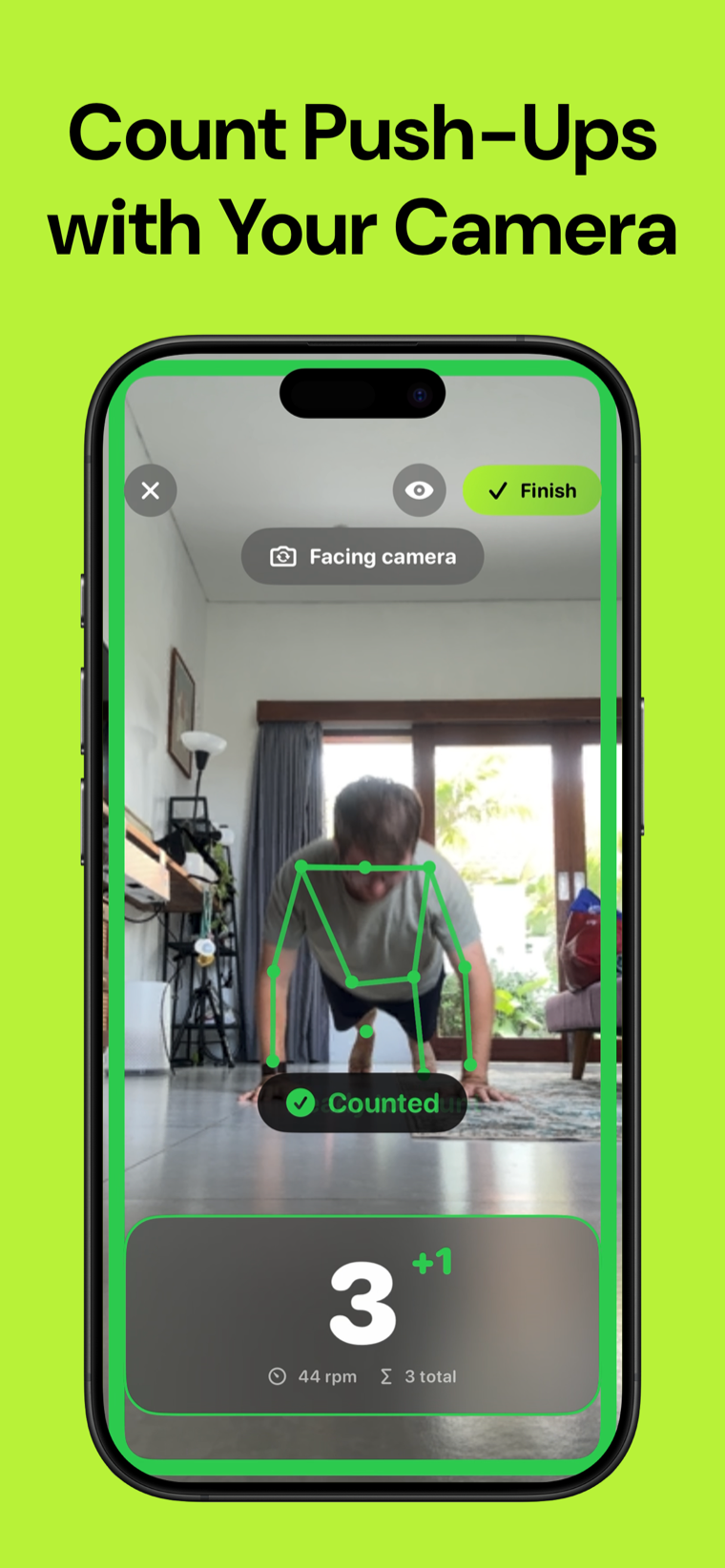
Counting without touching anything
The camera tracks your body and counts every rep in real time. Your hands stay on the floor — no tapping, no wearables, no smart mat.
-
Depth decides what counts
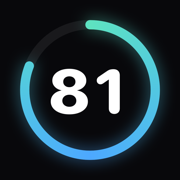
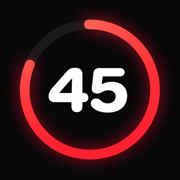
A rep that doesn't reach depth is marked partial instead of counted. Your form score is the honest ratio, not a participation number.
-
Three ways to place your phone
Facing you, propped beside you for a side view, or flat on the floor below your face. The side view is the one that can judge depth from a 2D pose.
-
Sets that group themselves
Stop to rest and the app closes the set. Start again and it opens a new one — no buttons in the middle of a workout.
-
Six weeks to 100 push-ups
One max-effort entry test picks your level, then a structured plan builds from there. Or train free, timed, or against a daily goal.
-
Nothing leaves your device
The camera is processed in your browser. No video is ever recorded or uploaded, there are no ads, and no account is needed to look around.
Screenshots
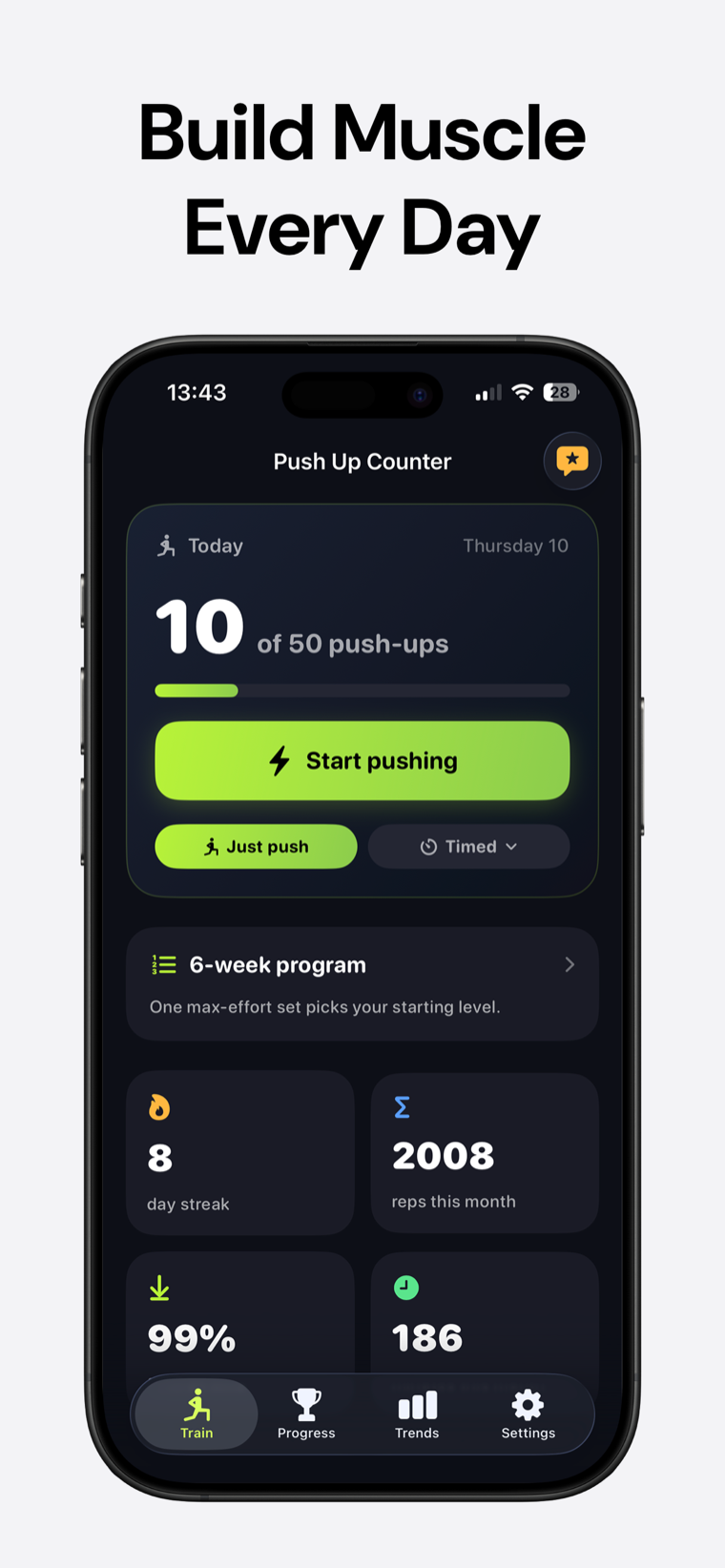
Set a daily target and watch it fill. When you want structure instead, the six-week program picks your starting level from one max-effort set.
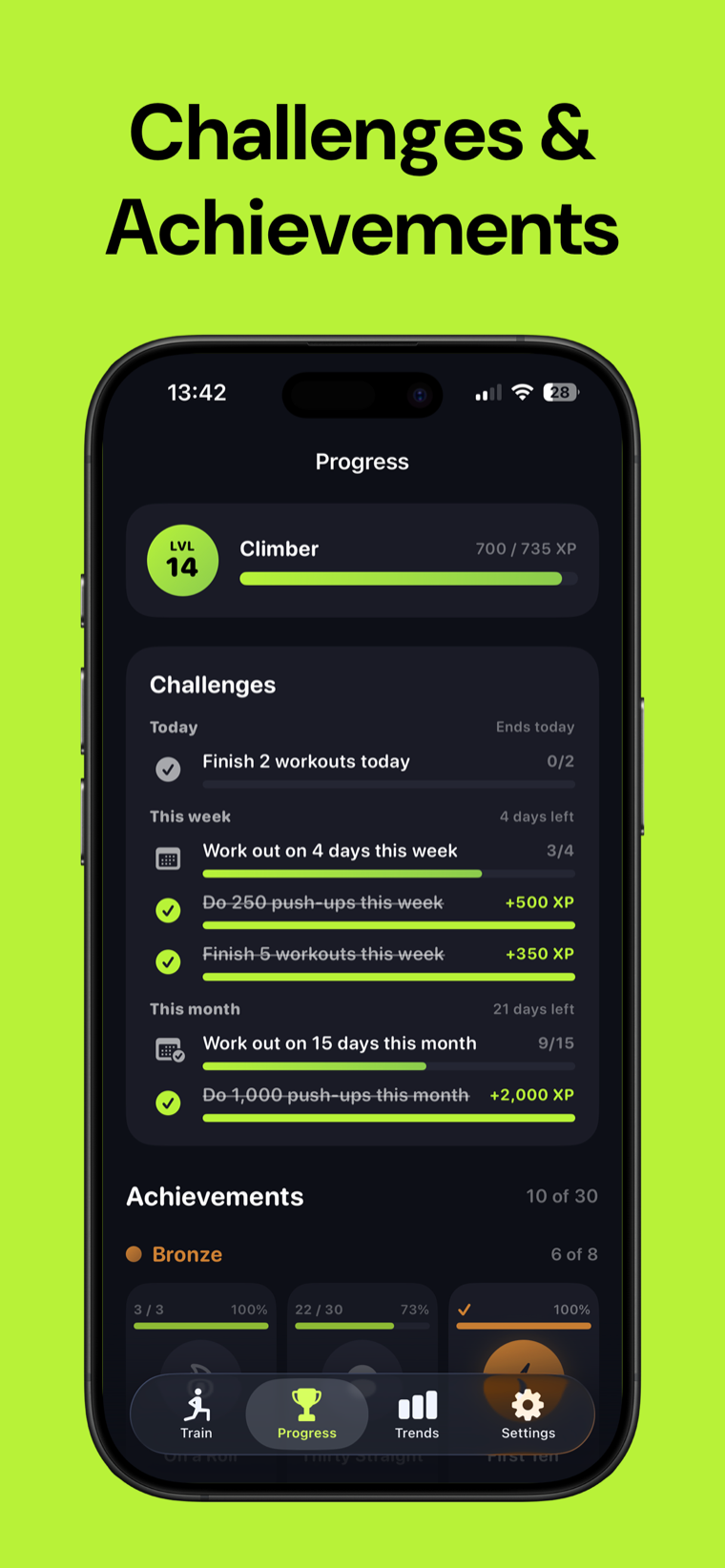
30 achievements plus XP, levels and rank titles, with daily, weekly and monthly challenges scaled to the goal you picked.
How it works
-
Place your phone
Prop it facing you, set it beside you for a side view, or lay it screen-up below your face. Start with your arms straight.
-
Start pushing
The camera picks up your body and counts each full rep live, with pace in reps per minute and your set total on screen.
-
Finish and review
Sets, session total and form score are saved, your daily goal fills, and your streak carries into tomorrow.
FAQ
Frequently asked questions
How does Push Up Counter count my push-ups?
It uses the device camera to track your body and detect each full push-up in real time. A live skeleton overlay shows exactly what it's tracking, so you can see the counting work rather than trust it blindly.
Do I need a wearable or any equipment?
No. There's no watch, no sensor and no smart mat — just a phone, tablet or laptop with a camera, plus somewhere to prop it up. The floor does the rest.
Where should I put my phone?
Three positions work. Facing you, with both shoulders, elbows and hands in frame. Beside you for a side view, showing your torso and the arm nearest the camera. Or flat on the floor, screen up, below your face.
What counts as a rep?
A rep has to reach depth. Anything shallower is recorded as a partial rather than counted, and partials form the denominator of your form score — so the number you finish with is the number you actually earned.
Which camera position checks my depth?
The side view. From a front-facing 2D pose there isn't enough depth information to judge how far you lowered, so the app doesn't claim it — it counts reps but leaves the depth verdict to a side view.
Is Push Up Counter free?
You can open it and look around for free, with no account and no ads. Counting a workout needs Push Up Counter Pro: a monthly subscription with a 7-day free trial, or a one-time lifetime purchase. Pro covers everything — camera rep counting, every training mode, the 6-week program, your daily goal, full history and sync across devices.
Is my video recorded or uploaded?
No. All body tracking runs in your browser in real time. No video is ever recorded, saved or uploaded anywhere.
How do sets work?
They form on their own. Stop to rest and the current set closes; start again and a new one opens. You never press anything mid-workout.
What is the six-week program?
A structured plan that builds toward 100 push-ups. It opens with a single max-effort set to find your real starting level, then scales the sessions from there instead of dropping everyone at the same place.
What training modes are there?
Four: Free for an open session, Timed for a fixed block, Daily Goal to chase a target, and Program to follow the six-week plan.
Which devices does it work on?
Any phone, tablet or computer with a camera and a current browser — Safari, Chrome, Edge or Firefox. There's nothing to install; you can add it to your home screen to open it like an app.
Do I need an internet connection?
Only to open the app. Counting itself runs entirely in your browser, and your workouts are saved on your device. Signing in is only needed for Pro and for syncing across devices.
Does it track my pace?
Yes. Reps per minute shows live while you train, alongside set and session totals, so you can hold a steady rhythm or push it on purpose.
Get on the floor. Let the phone count.
Open Push Up Counter in your browser and keep your hands where they belong.